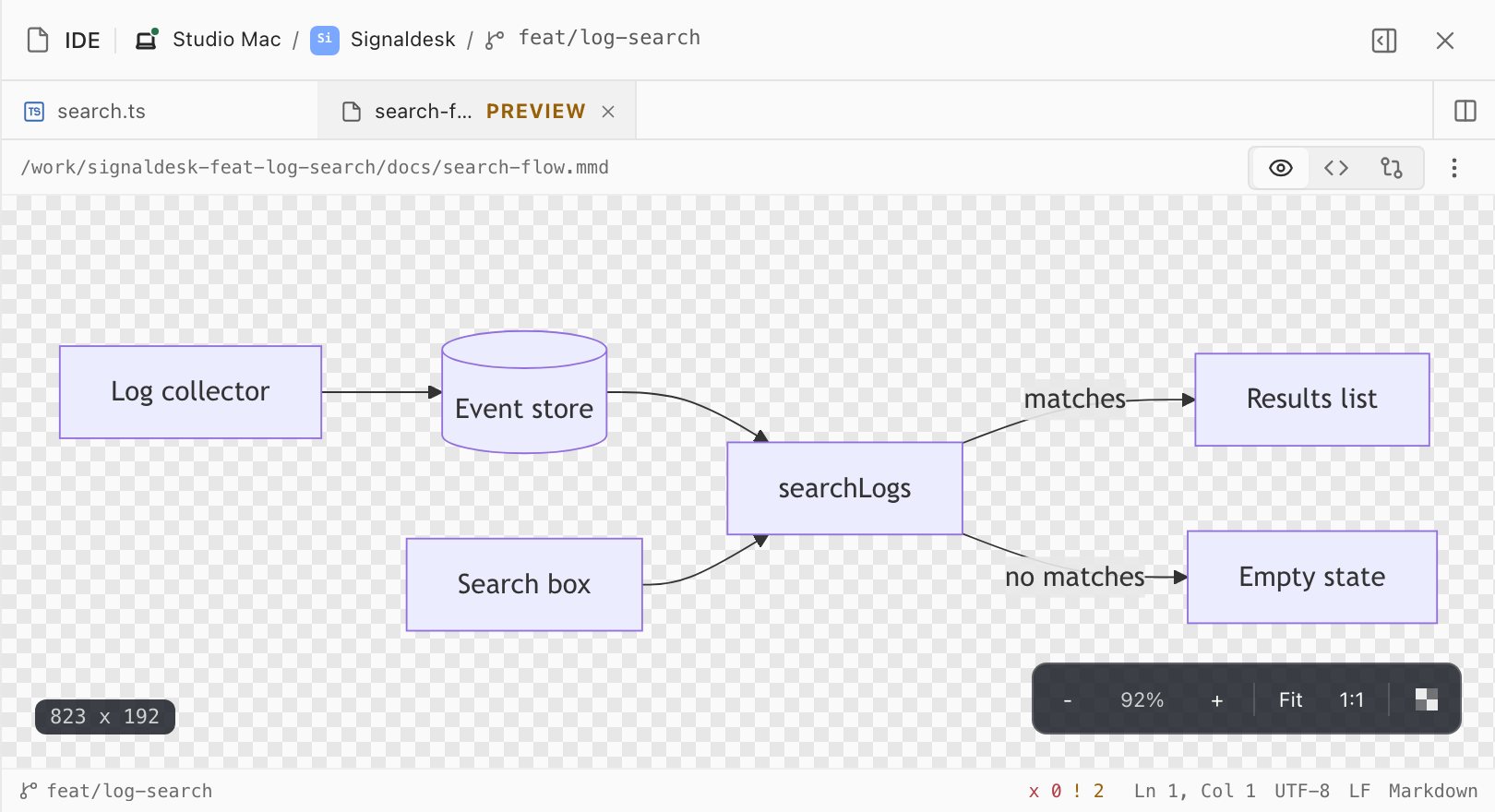
01Mermaid diagrams
Flowcharts and sequence diagrams render the way your docs show them, with zoom and fit.
Rendered previewsEditor & IDE
Every workspace has a full editor built in: Monaco, the engine behind VS Code, with your language servers, a Changes view you can edit, rich Markdown and previews. Read what the agent wrote and fix a line yourself, without switching apps.
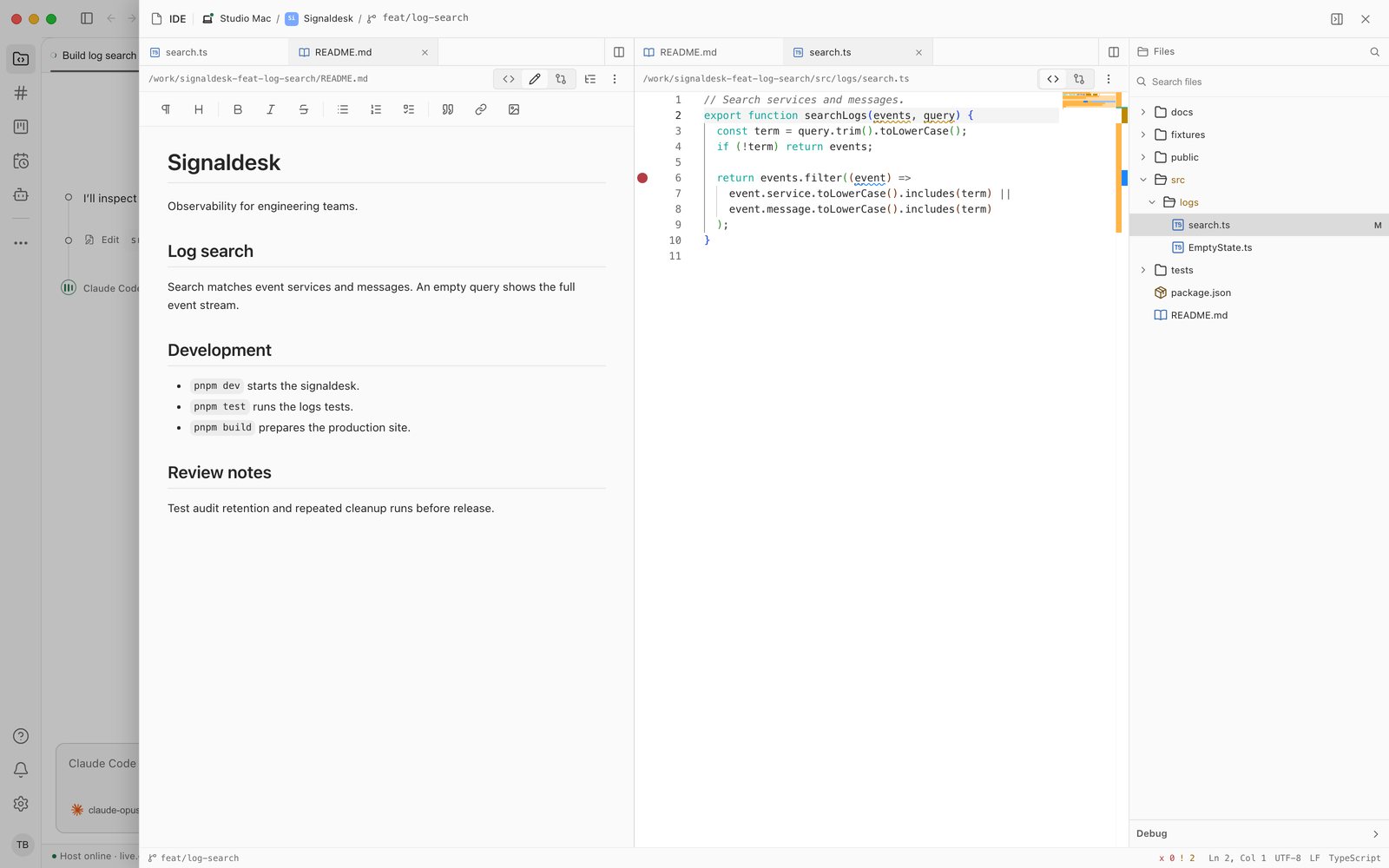
Open IDE from a workspace's Files tab, or open any file. This one has the project README in Rich edit beside the search code an agent just changed, split side by side.
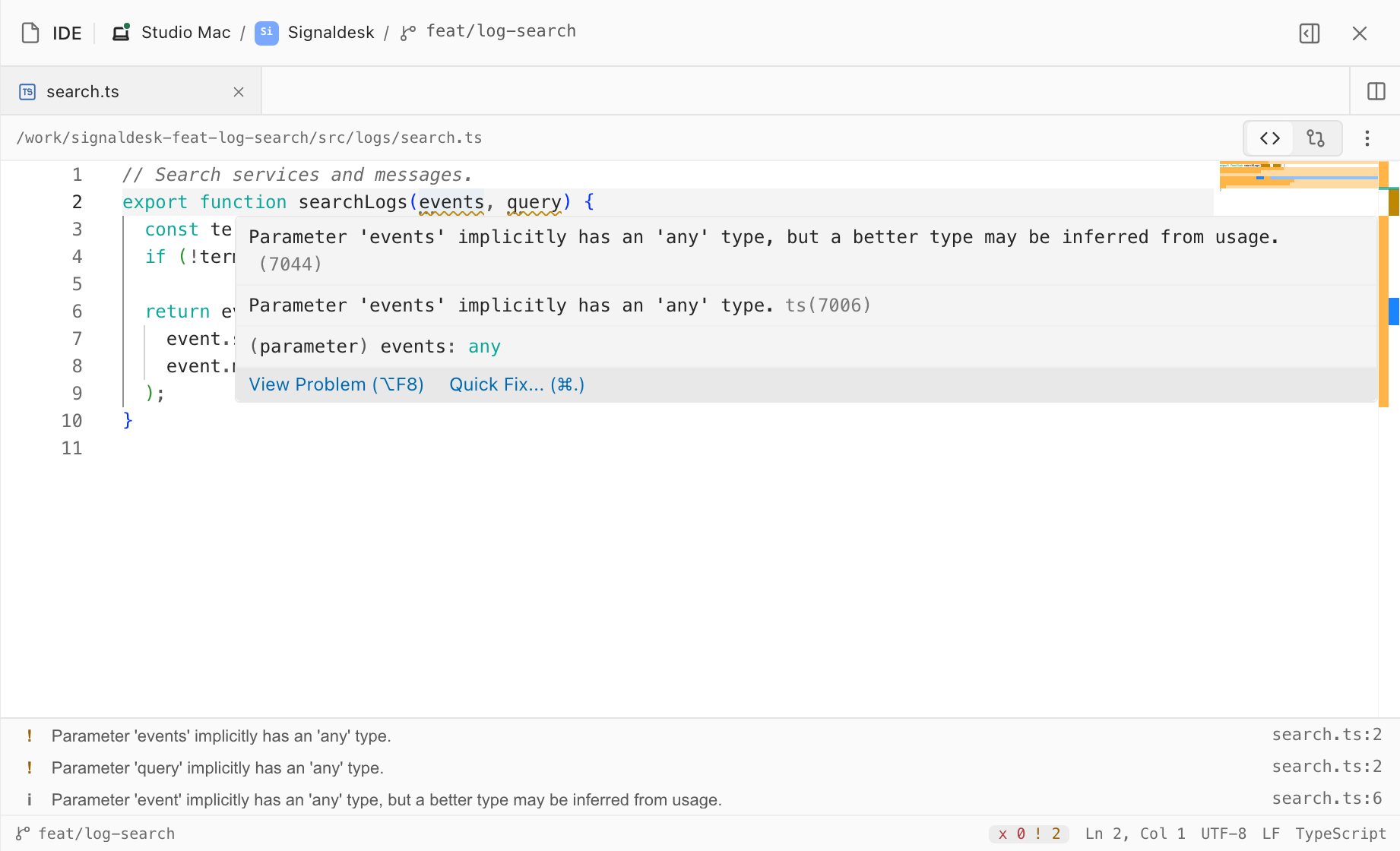
Glueprint starts the language servers already installed on the host and wires them into the editor: diagnostics as you type, hovers, completion, go to definition, references, rename and code actions, for Rust, TypeScript and JavaScript, Python, Go, PHP, C# and Java.
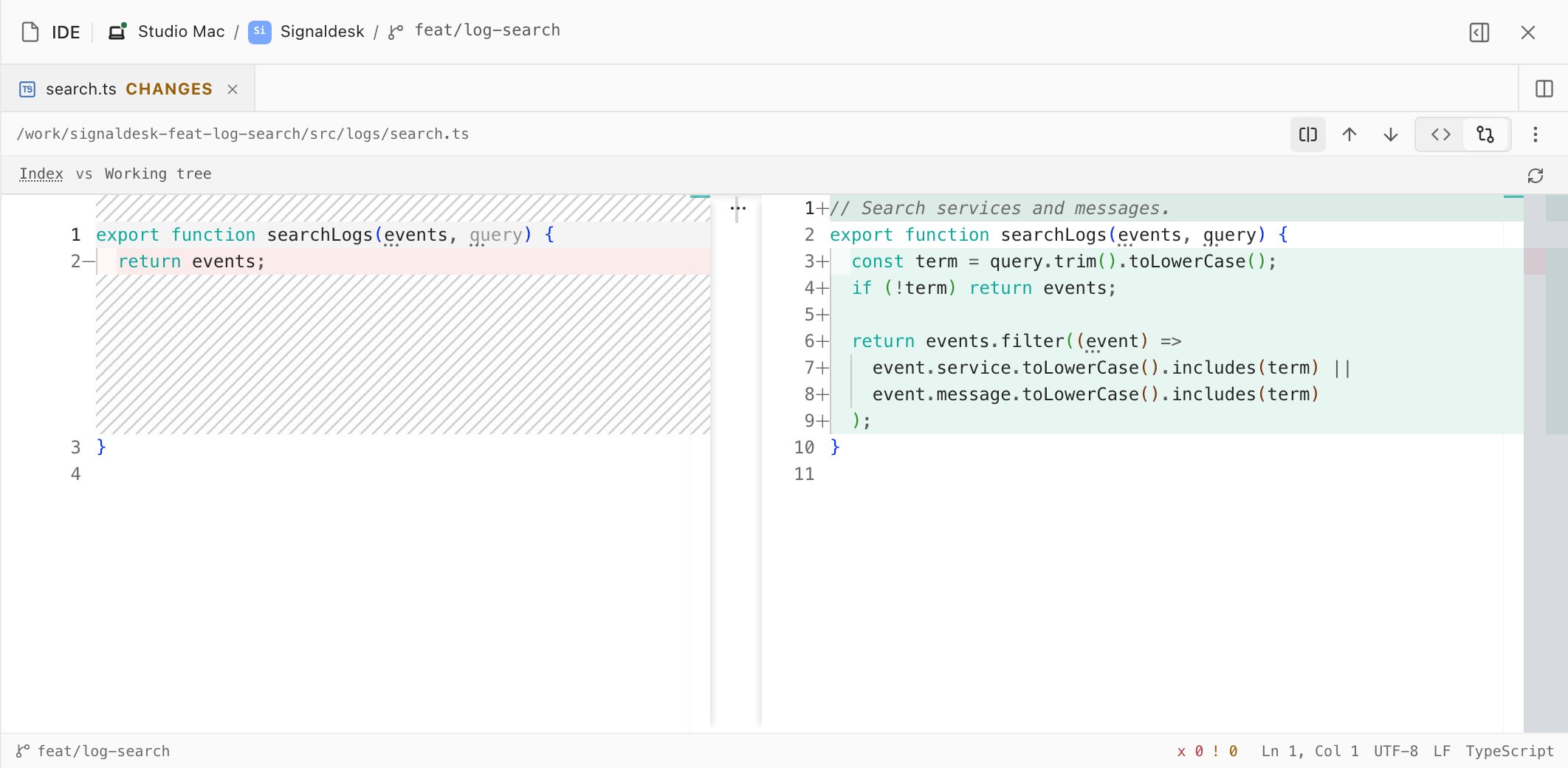
Switch any file to Changes to see what moved since the last commit: the committed version on the left, your live, editable file on the right. Fix what the agent got wrong right there, and the diff follows as you type.
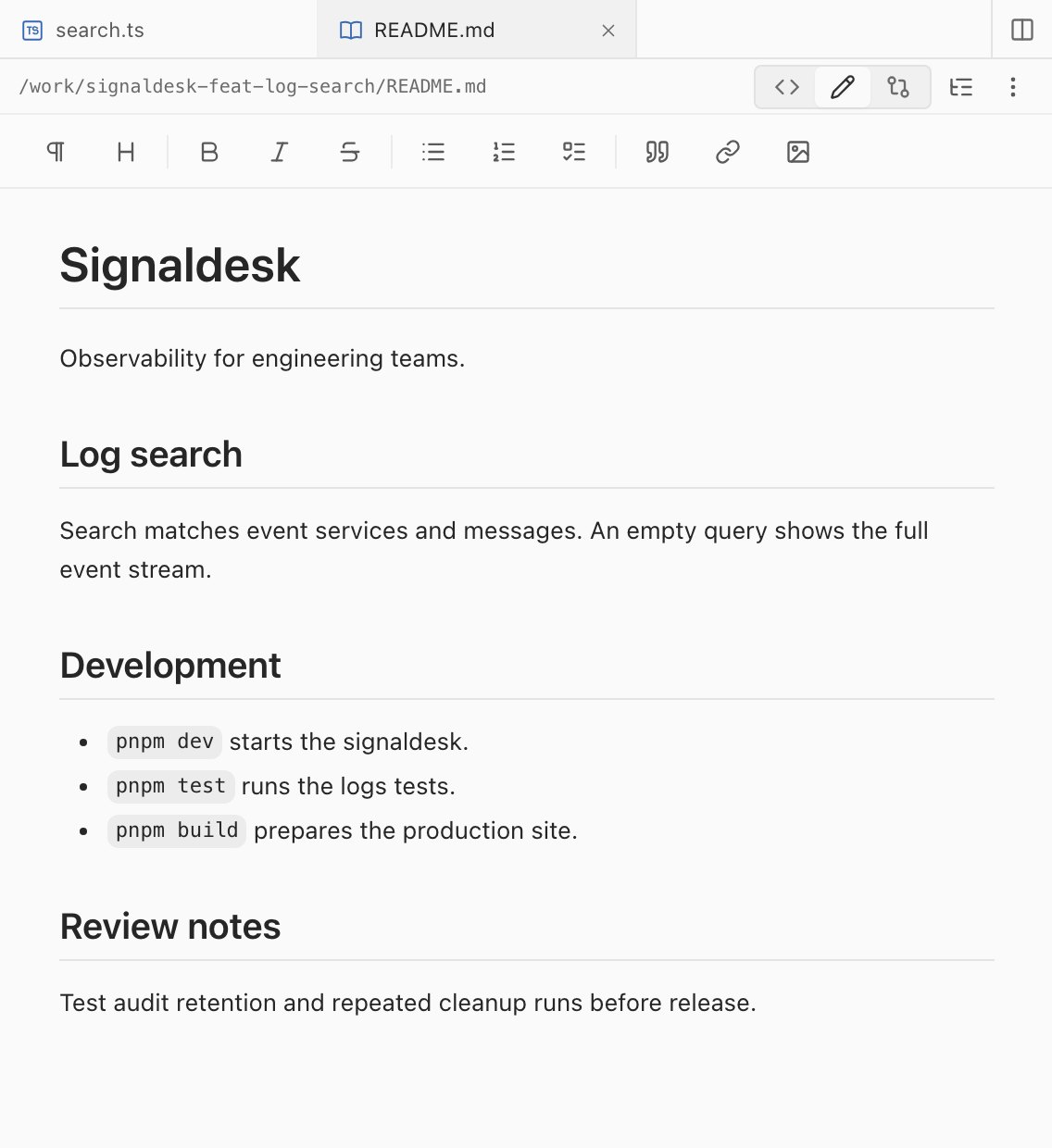
READMEs, specs and agent instructions are Markdown. Edit them in Rich edit with a formatting toolbar, then save: Glueprint writes back only what you changed, so the rest of the file keeps the style it had.
Diagrams, data and images open as what they are, with the source one click away. Find in files covers the rest of the worktree.
Watch the editor chapter01Mermaid diagrams
Flowcharts and sequence diagrams render the way your docs show them, with zoom and fit.
Rendered previews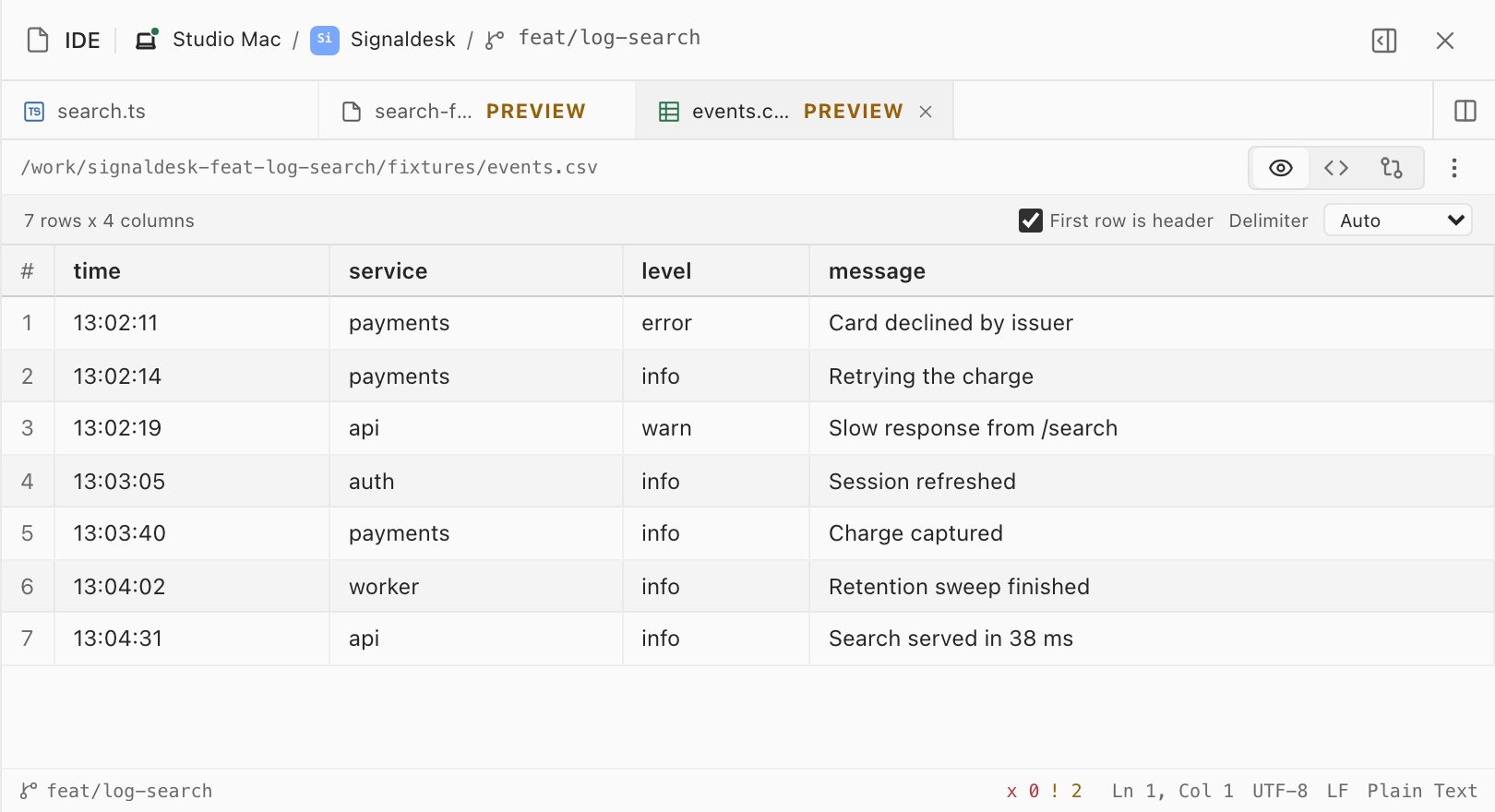
02CSV and TSV tables
Fixtures and exports read as a table, with the header row and delimiter detected for you.
Rendered previews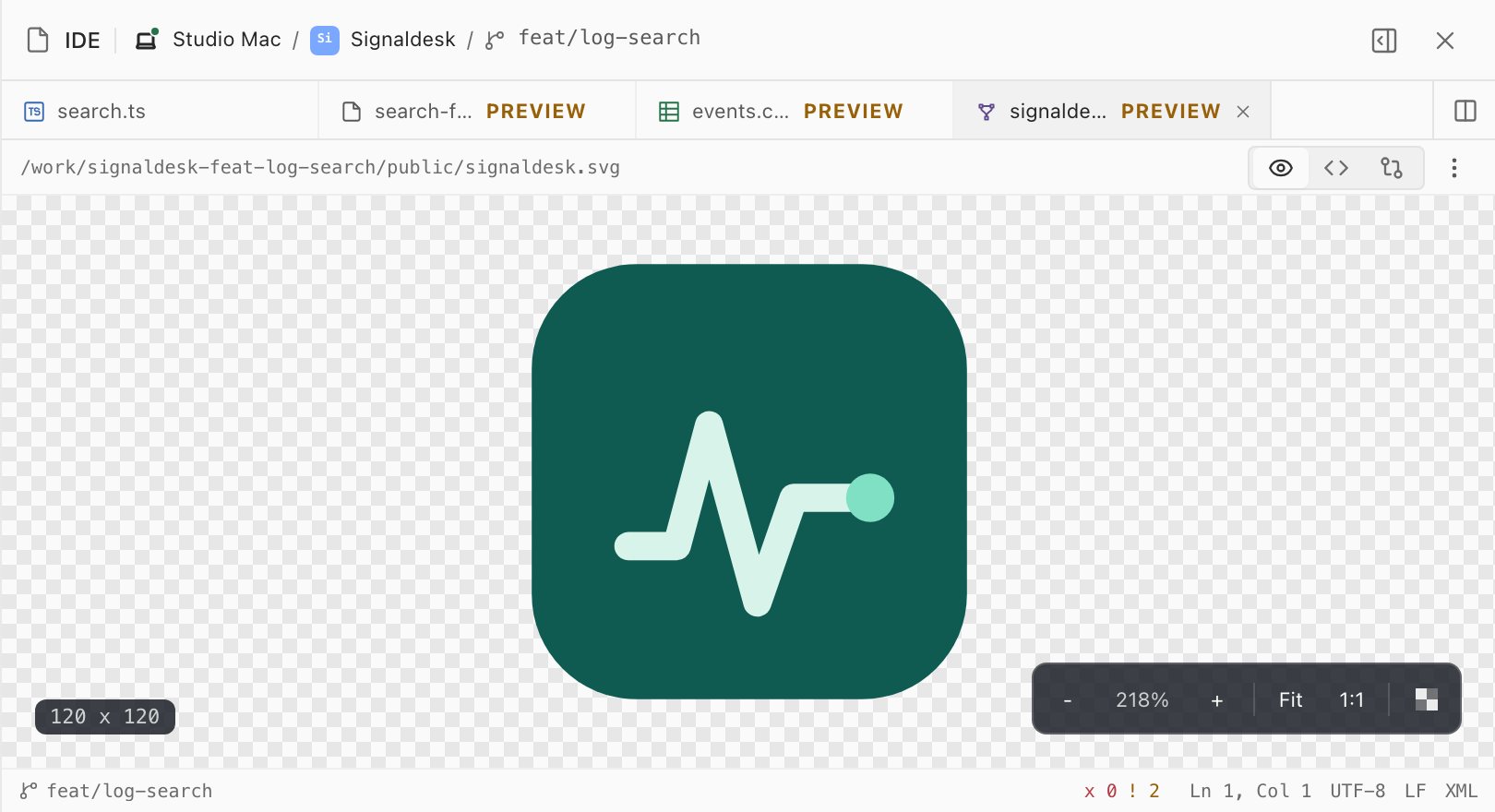
03SVG and images
Icons and images render on a checkerboard with their size, zoom and a 1:1 view.
Rendered previews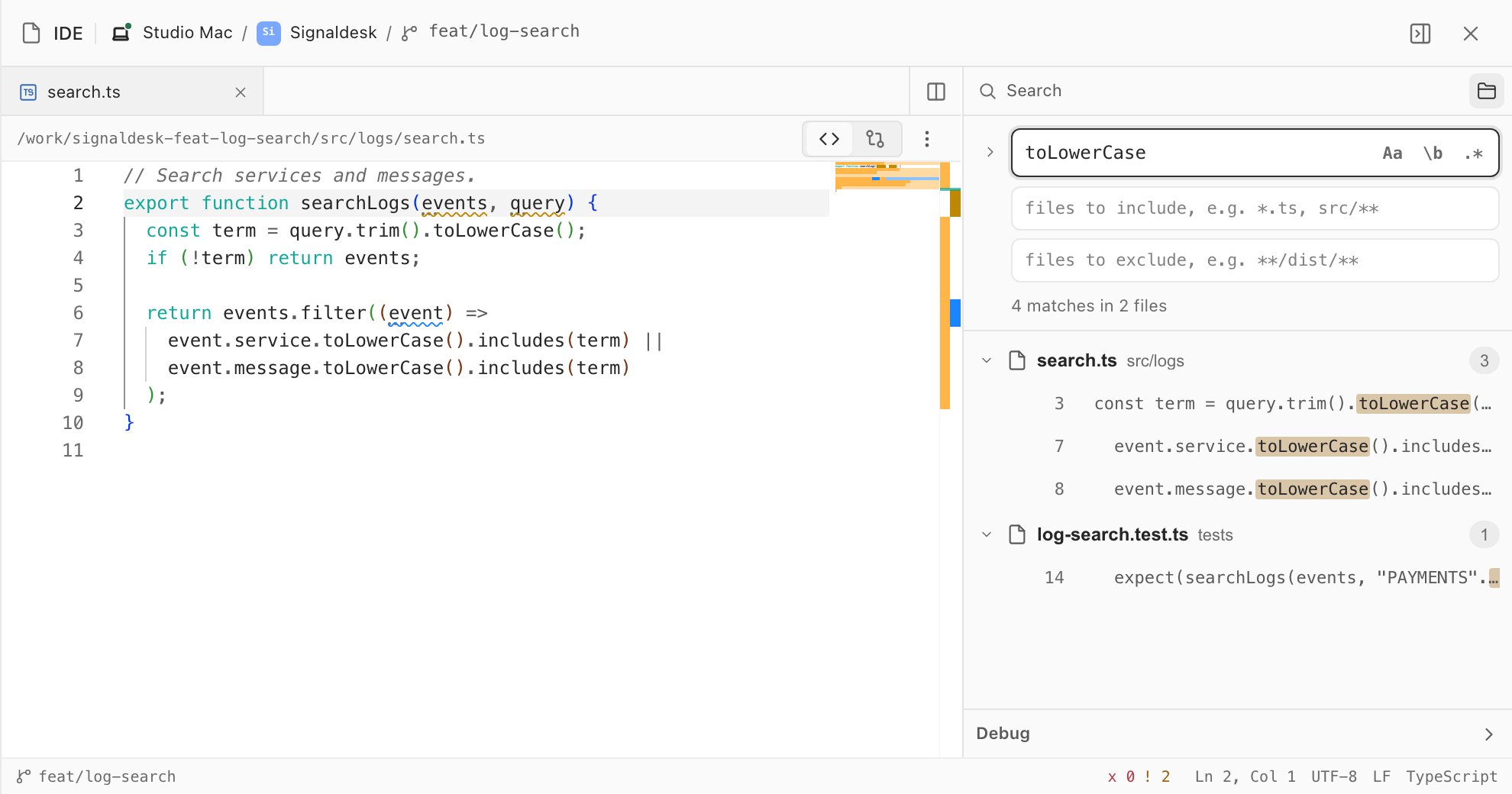
04Find in files
Search the whole worktree with case, whole-word and regex options, include and exclude globs, and replace.
Find and quick-openThe editor works on files where they live, on this machine or a host you're connected to. Remote access and the number of connected hosts depend on your plan.
Breakpoints in the gutter and F5 to start a launch.json configuration, for Node.js, Python, Go, .NET and Java.
Previews for images, PDFs, sandboxed HTML, video, audio and fonts, next to your code.
Files up to 10 MB open fully editable. Larger ones open read-only and say exactly what loaded.
Open and save files on any host you're connected to, and use the same IDE from the web portal.
Save, find, F7, F9 and F10 work as they do in VS Code, and every shortcut can be rebound.
Send any file or folder to the editor you use every day, and run the formatter on save.
IDE-800 Read it where it's written
Download Glueprint, open a project you know, and read what your agent wrote in the editor beside it.