Detail 01 / Workspaces
Parallel, without the tangle.
Give each feature its own worktree. Run agents side by side, with a clear home for every session and change.
Explore workspacesThe Agentic Development Environment
Great work starts with the coding agent you already use. Glueprint gives you the workspace, context, and control to take the next step—at your pace, on the machines you choose.
Works with the agents you already trust
Give every agent a place to work. Keep the conversation, the code, and the next decision together.
See everything a workspace holds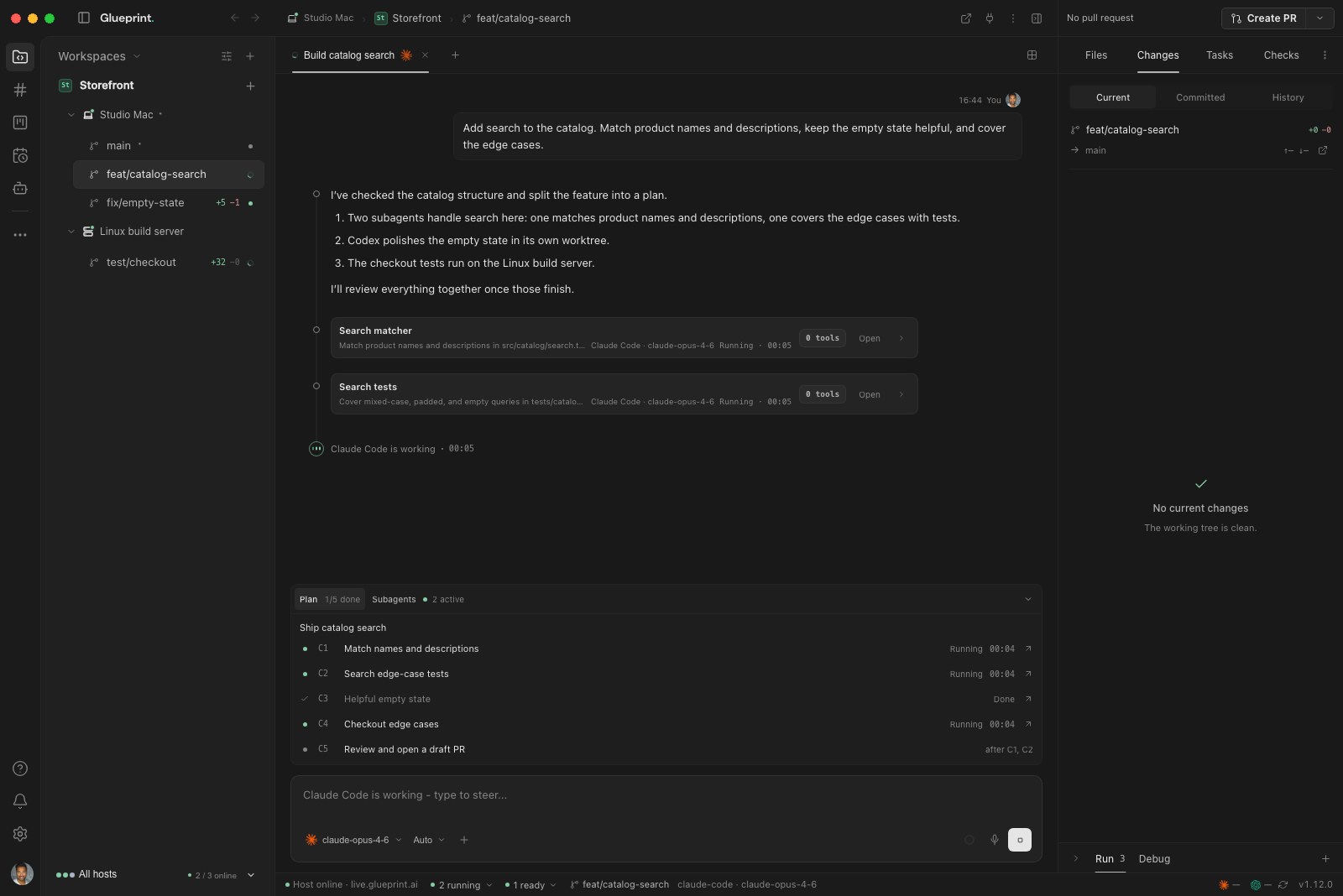
Recorded from the real desktop app with sample data Select a chapter to jump in
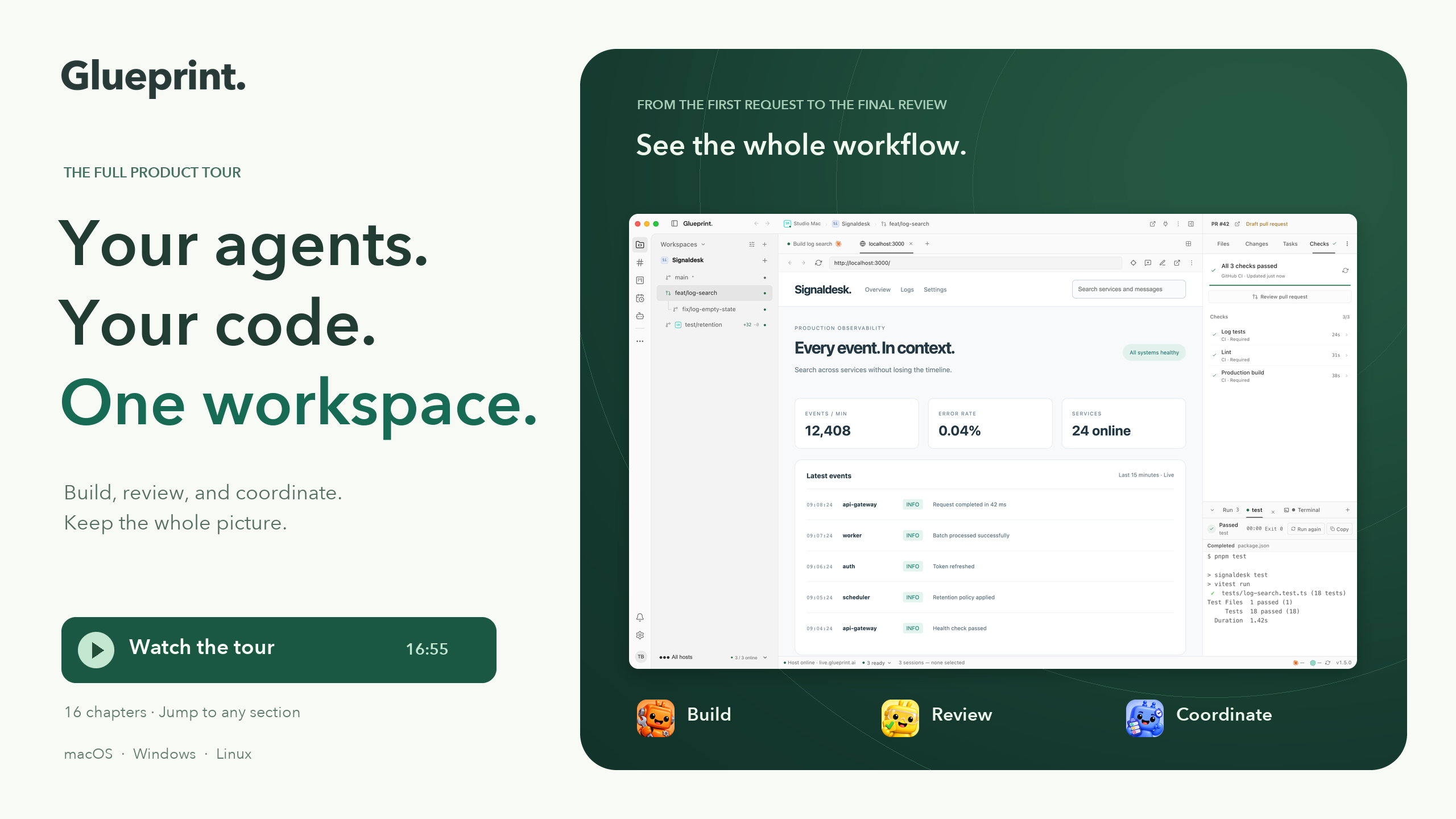 The full product tourSee the whole workflow, narrated. 16:55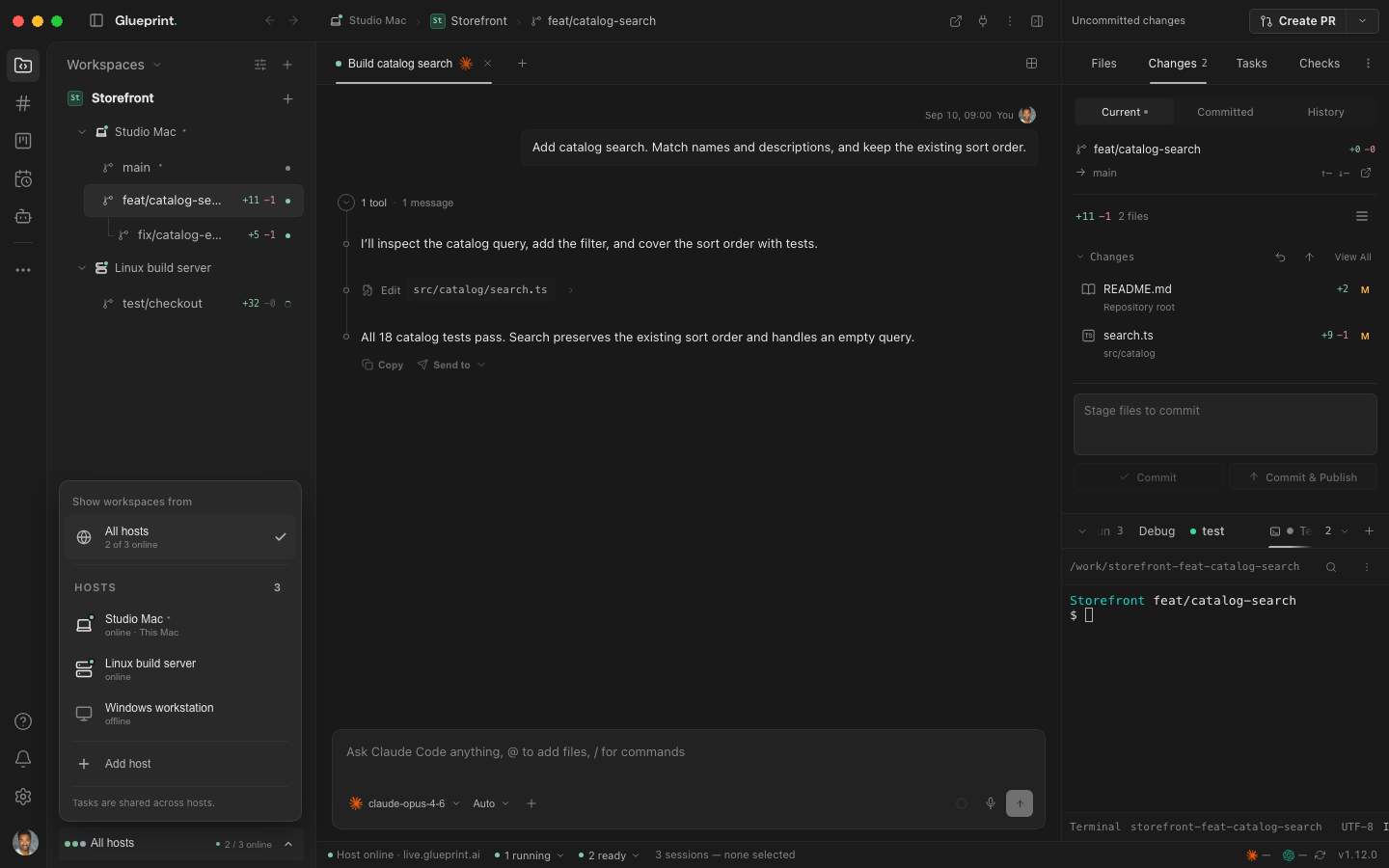
You don’t need to change everything at once. Start where you are, then give your agents more responsibility as your team is ready.
Choose a real task, a familiar agent, and a project you already know.
Pick one bounded task this week and take it from plan to review with one agent.
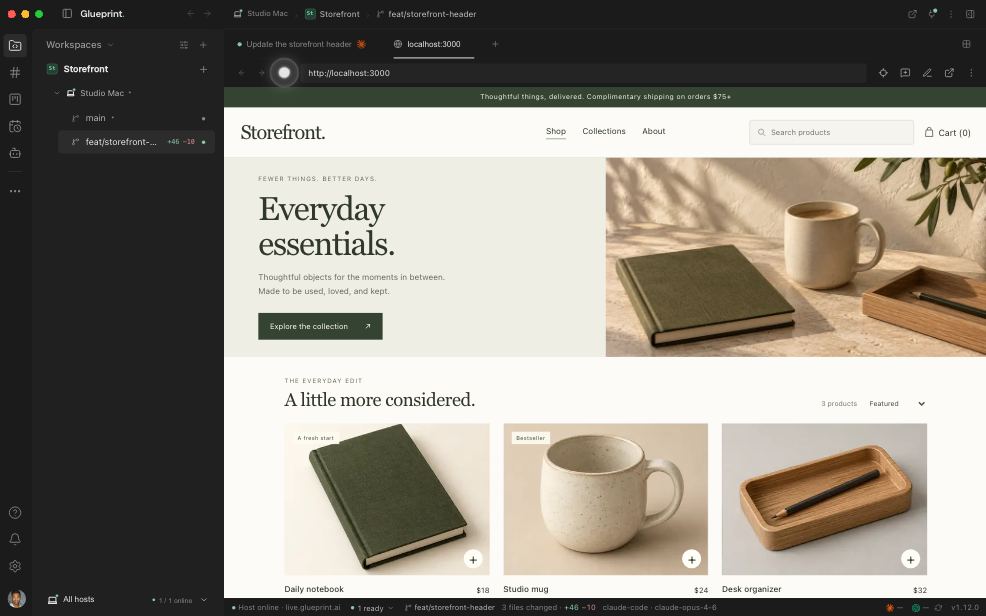 Open the scripted walkthrough
 Give direction, answer questions, and review the result in context.
Start a second task in its own worktree while the first one runs.
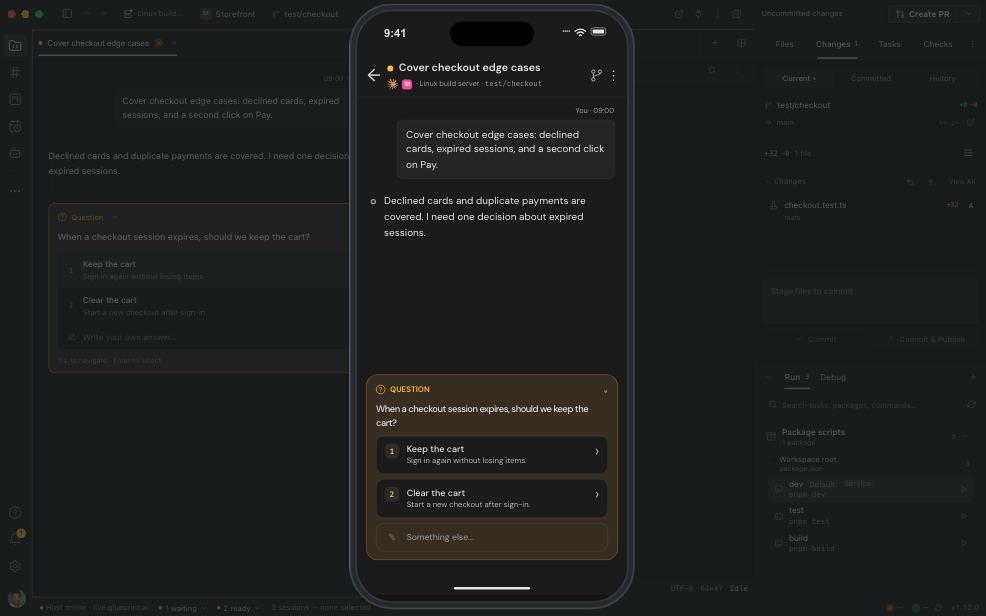 Open the scripted walkthrough
 Run agents in separate worktrees. Keep every task and change in view.
Bring your team and your assistants into one shared channel.
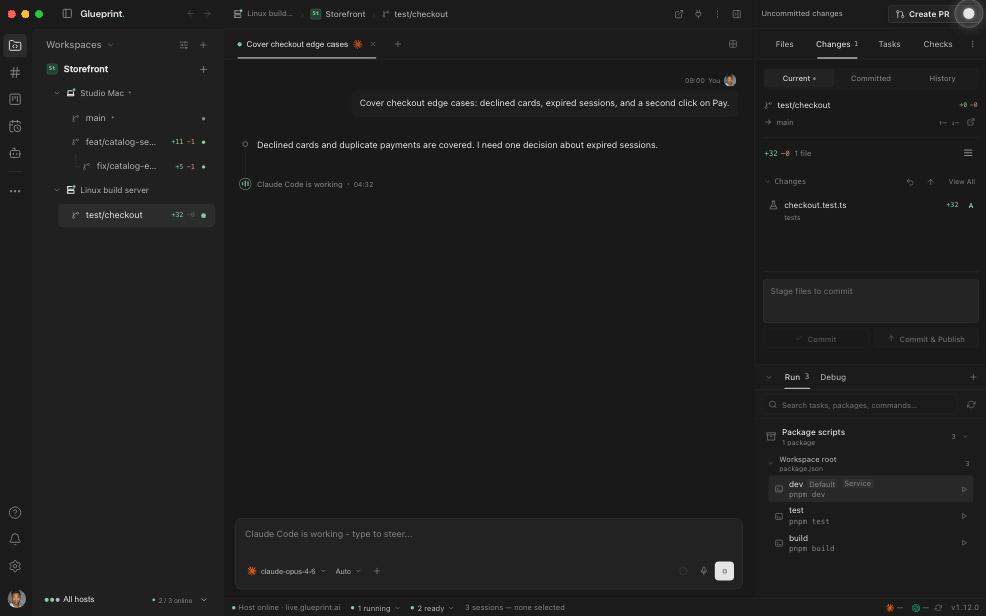 Open the scripted walkthrough
 Share context in channels, work through feedback, and make decisions together.
Give an assistant an ongoing responsibility, with human review built in.
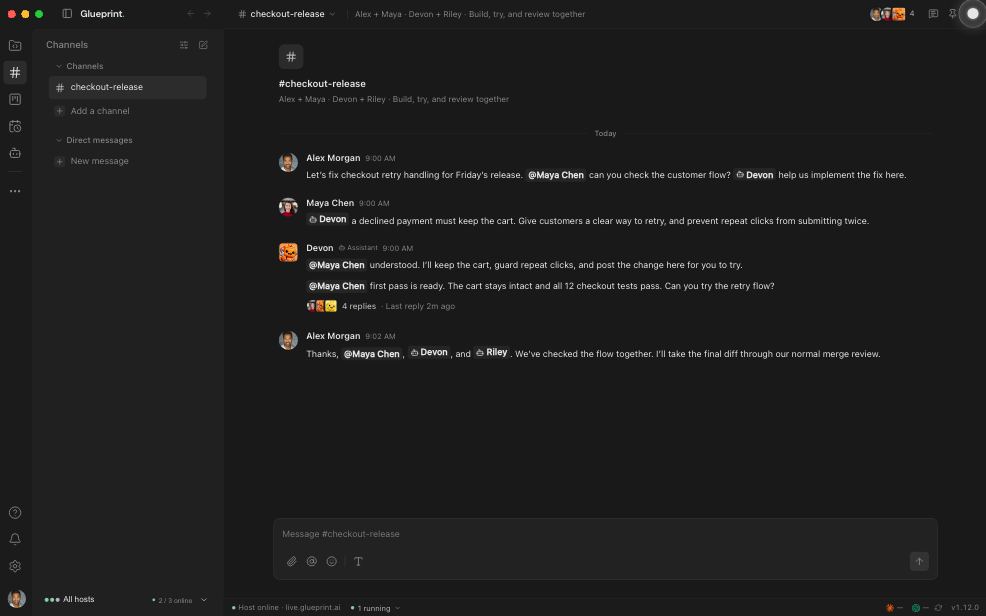 Open the scripted walkthrough
 Give agents ongoing responsibilities, with memory, routines, and human review.
Keep raising the bar. Refine roles, routines, and review as your team learns.
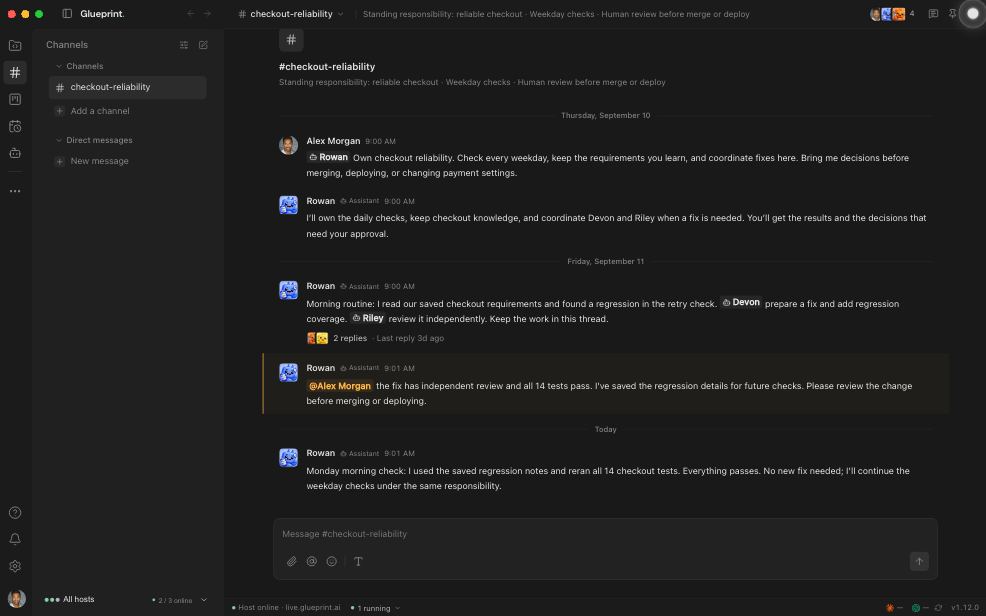 Open the scripted walkthrough
 Where is your team today? Find a practical next step for your workflow.
The familiar tools of development, organized around the work your agents are doing.
Give each feature its own worktree. Run agents side by side, with a clear home for every session and change.
Explore workspacesBring people and agents together in channels. Use shared boards to track ownership, next steps, and what’s ready for review.
See channels in actionInspect diffs, edit files, run tests, and manage pull requests. Keep the evidence beside the conversation.
Watch the review workflowStart work on an always-on host—a Mac mini, a desktop, or a server. It keeps running when your laptop sleeps. Different machines. Same direction.
Remote access depends on your plan. Free includes status and decision alerts on mobile.
See the same live work across every host. Check agent progress, approve actions, steer sessions, and open terminals or Git from iOS and Android—without remoting into another screen.
Stay connected
Keep work moving
Review with confidence
01 / 05 Every host, in your pocket
See where work stands across your machines.
Free includes status and decision alerts. Lite and above add full live sessions on mobile.
Explore the mobile appTriaged the new issues using our team’s priorities. Two need your input; the rest are ready on the board.
Give assistants a role, a memory, and routines. Keep your team’s conventions and decisions available across sessions, so the next task starts with more context.
See assistants in actionTurn individual experiments into a shared way of working. Give your team clear ownership, consistent permissions, and visibility across the work.
Clear scope. Visible activity. Human oversight.
Role-based control, team membership, and host visibility. Enterprise adds SAML / OIDC sign-in and SCIM provisioning.
Assign work to people and assistants. Use shared task flows to define who can move work to its next stage.
Keep session history beside the code and use audit logs to review security-sensitive activity.
Agent processes and repositories stay on the hosts you choose. Glueprint encrypts classified content before it crosses the relay.
Read the security architectureRouting metadata remains visible. Password accounts and Enterprise SSO use different key-delivery paths. Your selected AI provider’s terms still apply.
Every plan works with your own agents and subscriptions. Add hosts, seats, and teams when the work calls for them.
For one developer orchestrating agents locally.
For one developer who wants one machine live on their phone.
For developers working across machines and away from the desk.
For engineering teams coordinating governed agentic work.
For organizations bringing agentic work across their teams.
Your agents. Your subscriptions. Glueprint brings them together.
7-day free trial on Lite, Pro, and Team · card required · converts to paid monthly billing unless canceled
Monthly base prices shown · additional hosts are available on Pro, Team, and Enterprise, and additional seats on Team and Enterprise
Still deciding where to begin? The AI adoption assessment takes a few minutes and suggests one practical next move.
Your agents keep doing the coding. Glueprint gives them a shared environment with workspaces, sessions, code review, and controls. Use your existing Claude Code, Codex, or Gemini account, or connect an ACP-compatible agent.
Yes. Start with the free local workspace and one coding agent. You get sessions, an editor, terminals, Git, and worktrees in one place. Add more agents or connected machines when your work calls for them.
Choose a project and a bounded task, agree on permissions, and review the agent’s work together. The AI adoption assessment helps you find your current stage and a useful next step.
On the desktop or daemon host you select. Your coding agent connects to its model provider using your own account. Glueprint’s relay connects your devices; the security architecture explains content encryption, metadata, and key-delivery boundaries.
See host and session status, respond to permission decisions, and answer agent questions. Lite adds full live mobile sessions for one desktop host. Pro and higher add live web portal access, more hosts, and CLI daemon hosts.
Your next step starts here
Bring the agents you trust. Build a better way to work with them.