Mobile app
Your agents.In your pocket.
Glueprint for iOS and Android is a native app for the work running on your machines. Answer an agent's question, approve a command, follow a session, open a terminal and commit the change, wherever you are.
Search Glueprint on the App Store or Google Play. The app connects to the hosts you run with the desktop app or the CLI.
- Platforms
- iPhone · iPad · Android
- Connects to
- Your desktop app or CLI hosts
- Plans
- Decisions on Free · everything from Lite
It asks.You decide, anywhere.
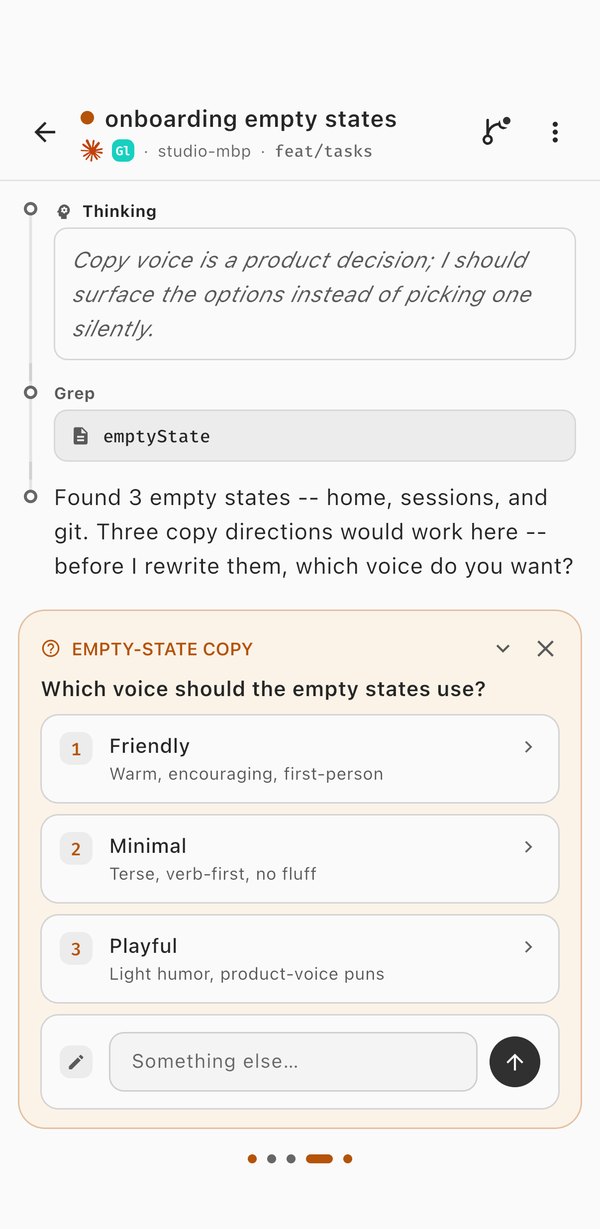
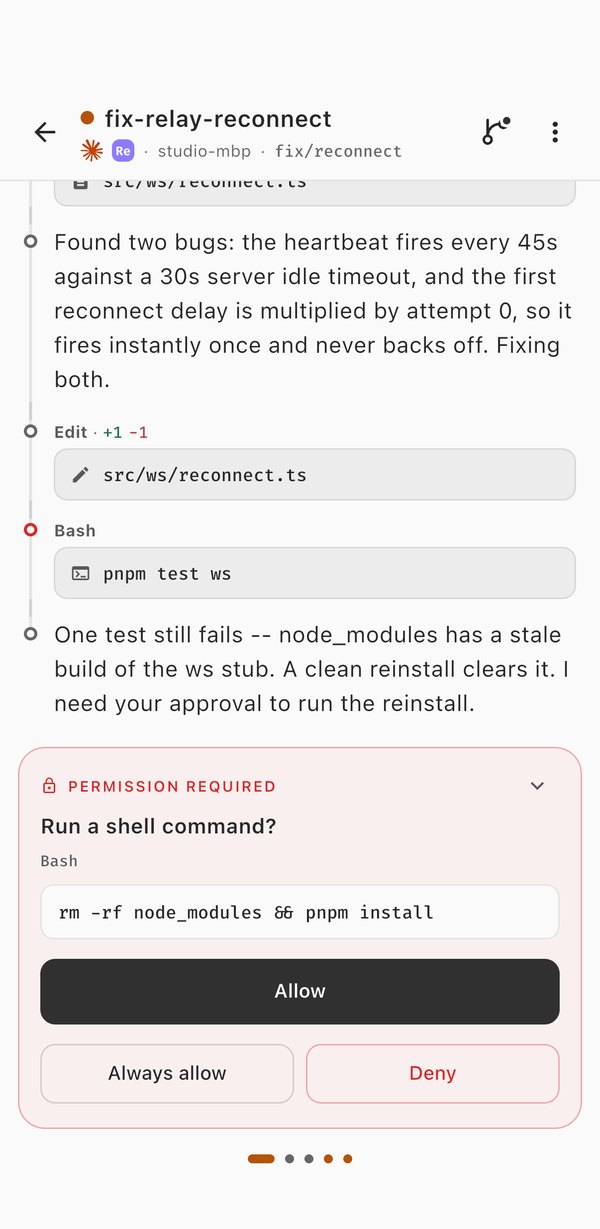
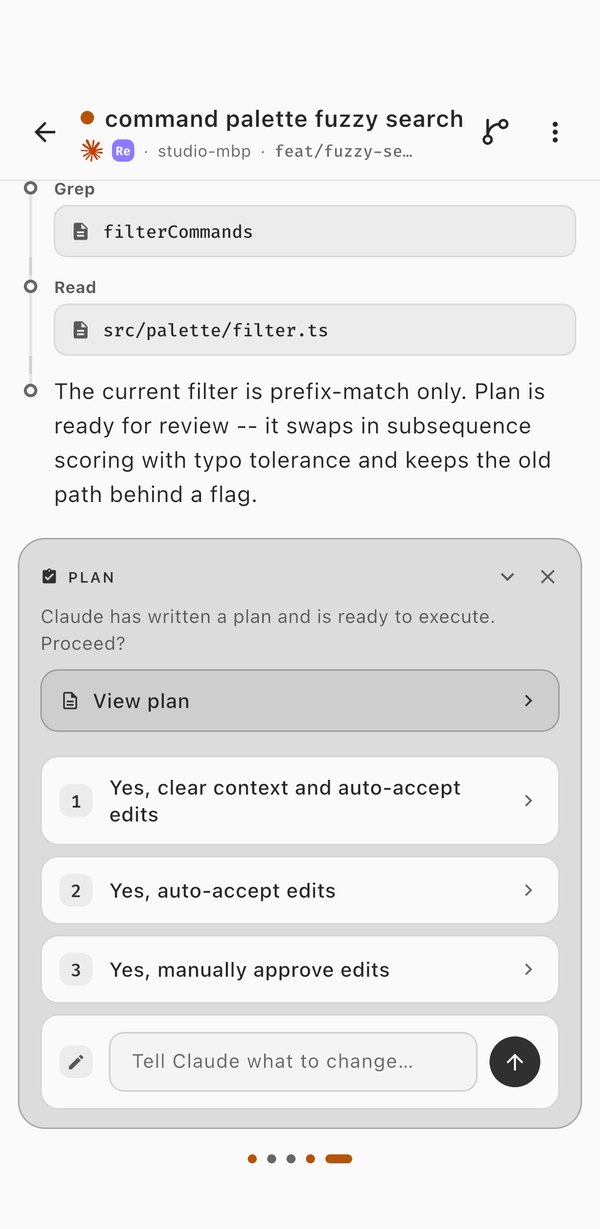
When an agent stops for a decision, the decision comes to you. Answer it and the work moves on, on whichever machine it's running.
Follow along.Steer when you need to.
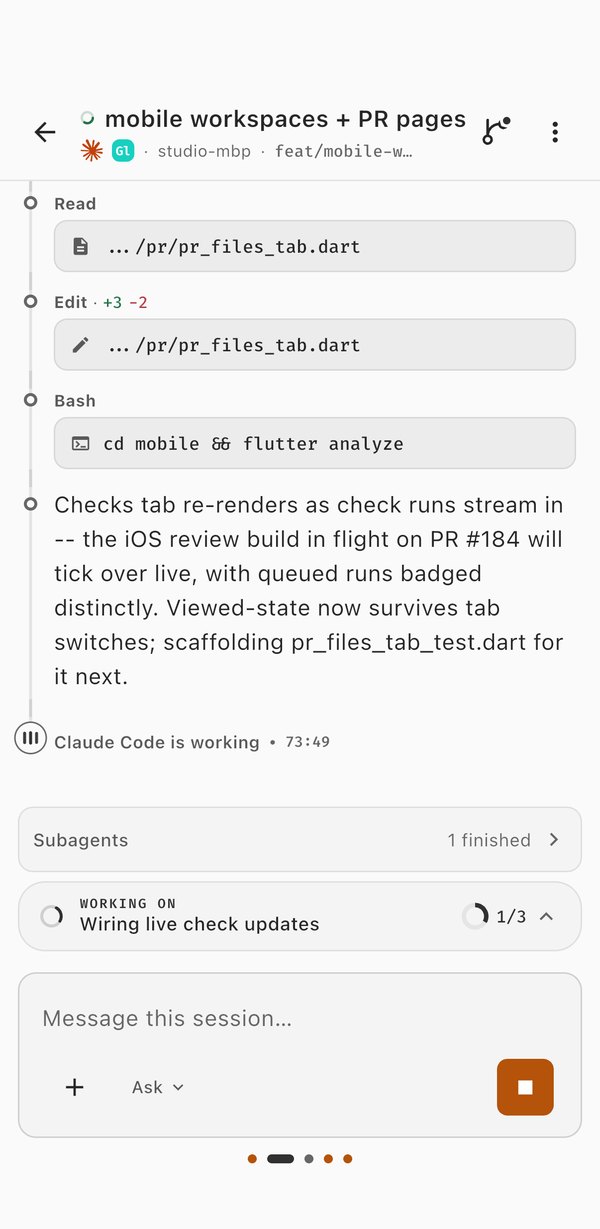
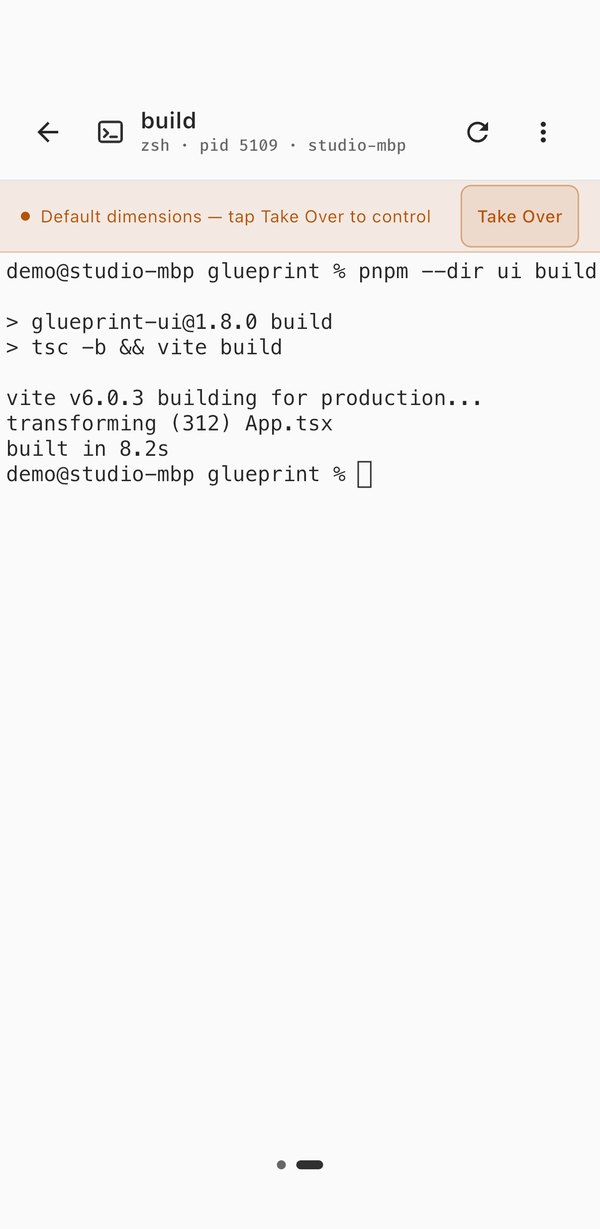
Read a session as it happens: what the agent thought, which files it touched and which commands it ran. Send it a message mid-turn, stop it, or follow its subagents. Open a terminal on the host when you want to look for yourself.
- Swipe between your live sessions.
- Start a new session on any worktree from your phone.
- Dictate commands into the terminal with the mic on its keyboard.
Check the change.Ship it from the train.
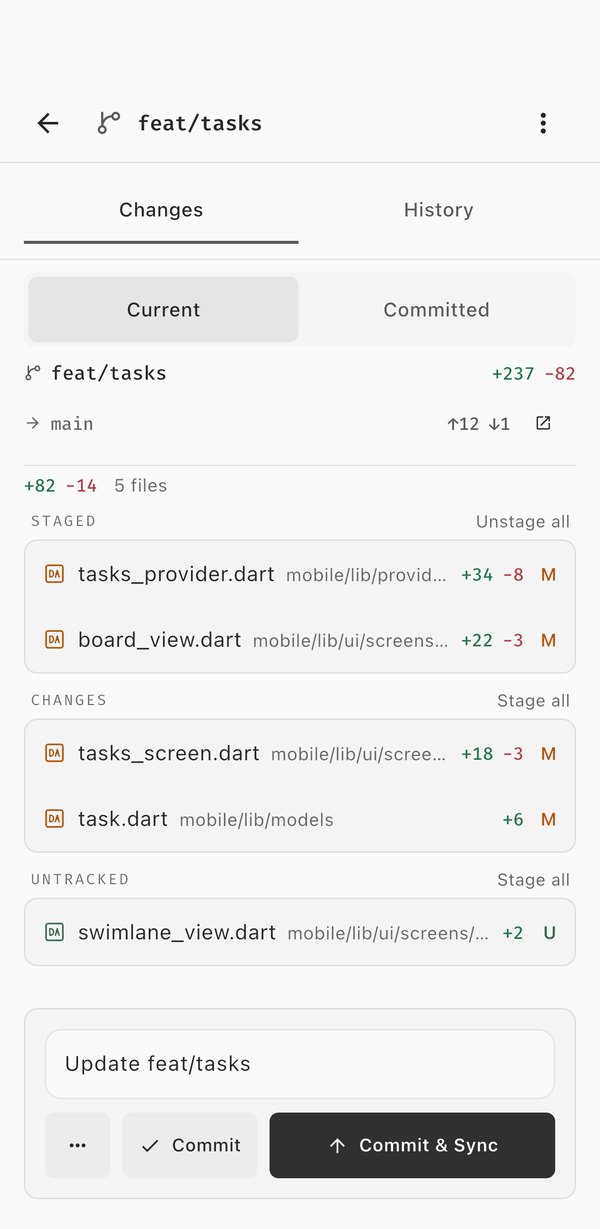
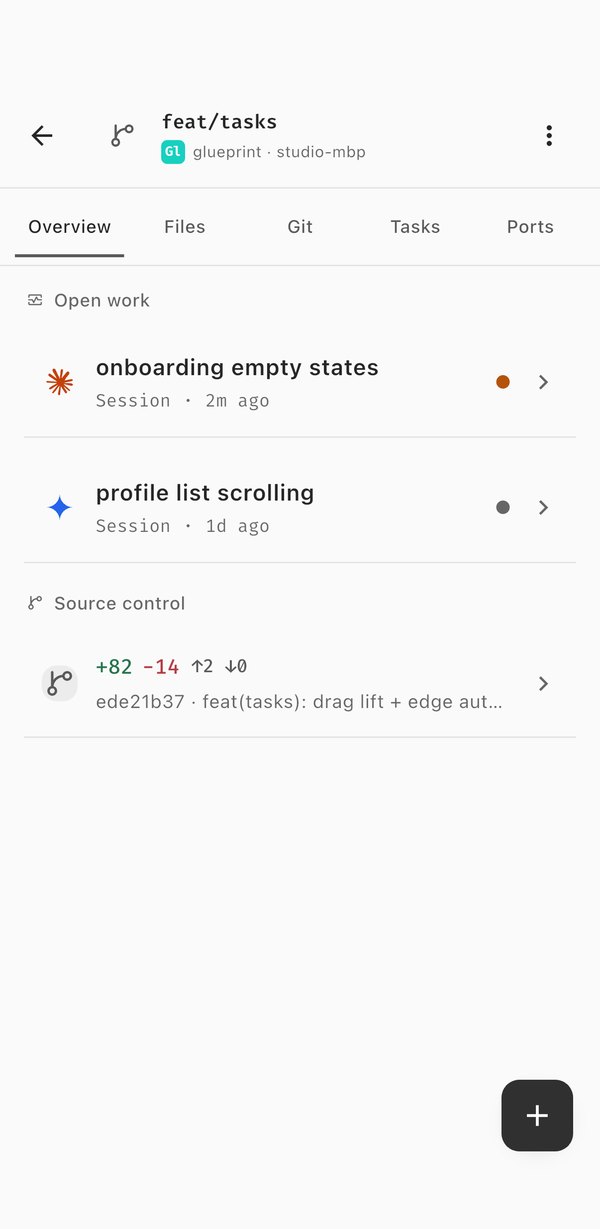
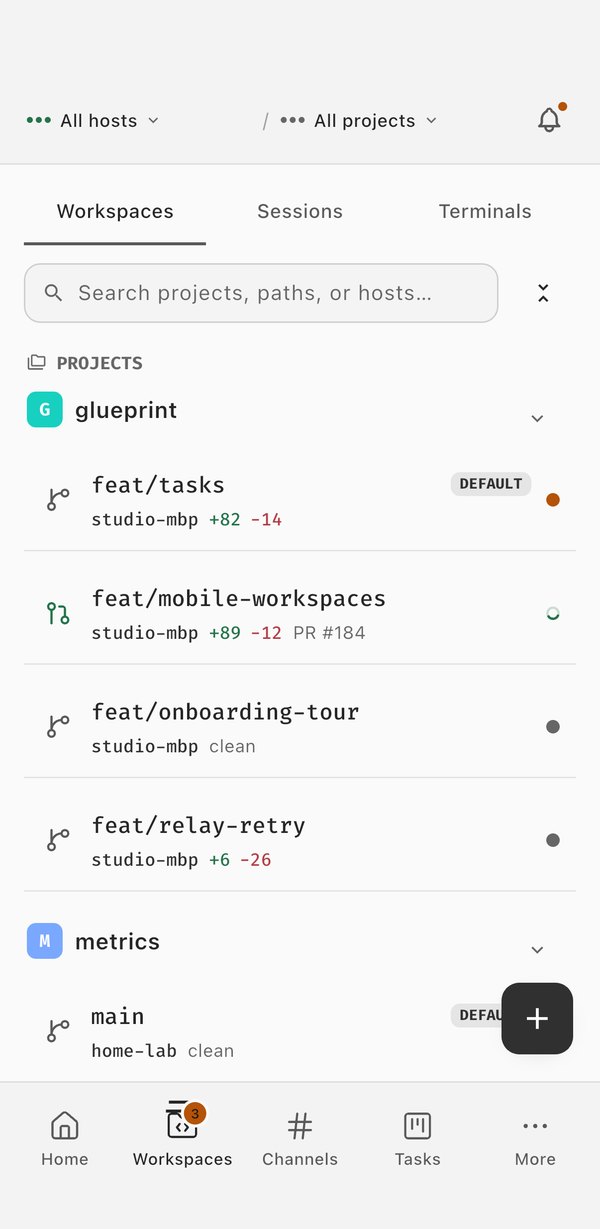
See exactly what changed in a worktree, stage it, write the message, and commit and push. Every workspace keeps its sessions, files, Git, tasks and ports together, the same way it does on your desk.
- Stage and unstage files, commit, push, pull and sync.
- Open a pull request, review it, and follow its checks.
- Browse the files in a session's working directory.
Every machine.One app.
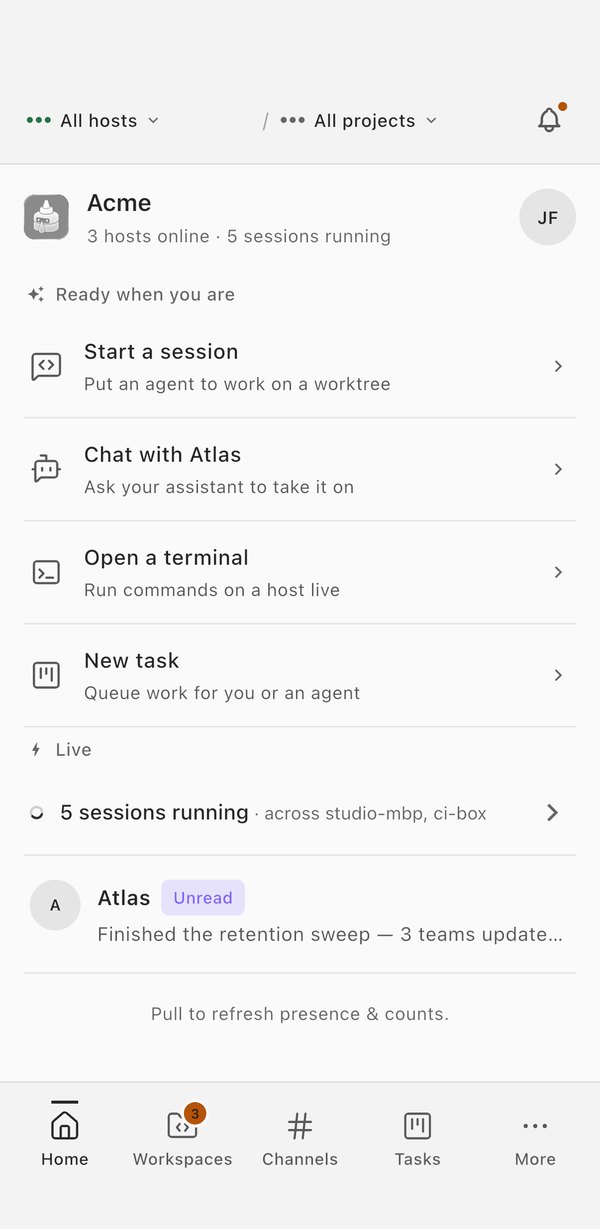
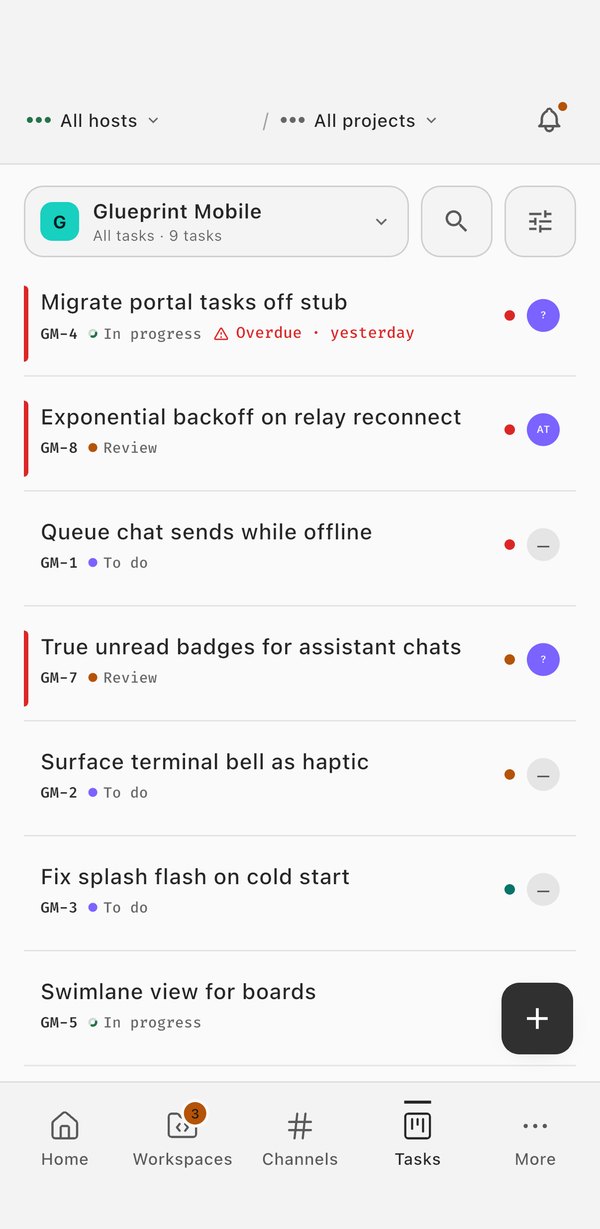
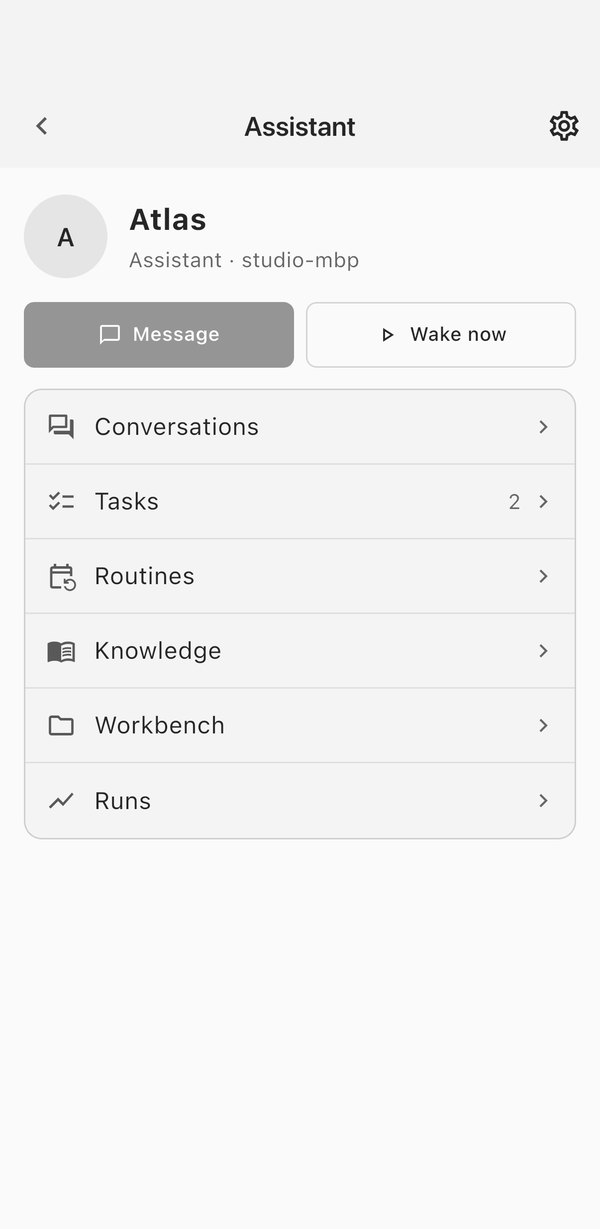
Workspaces from every host you run, your tasks, your assistants, and your channels and direct messages, all in the tabs along the bottom.
Native, not mirrored.Private by design.
The app talks to your hosts through Glueprint's encrypted relay. Nothing is screen-shared: your agents keep running on your machines, and the app shows you their work.
-
End-to-end encrypted
Sessions are decrypted on your phone with your organization's key. Your sign-in stays in the iOS Keychain or Android Keystore.
-
Alerts that need you
A push notification takes you straight to the session waiting on an approval or an answer.
-
Preview a port
Open a dev server forwarded from one of your hosts inside the app. Remote forwarding needs Pro or above.
-
Phones and tablets
iPhone and iPad on iOS 16 or later, and Android 7.0 or later.
-
Decisions on Free
Free shows host and session status and lets you answer approvals and questions. Lite and above add live sessions, Git, files and terminals.
-
Authoring stays at the desk
The code editor, the assistant workbench and the conflict resolver stay on the desktop app and the web portal.
MB-600 Step away
Step away.The work goes on.
Set up a host with the desktop app, then sign in on your phone with the same account.